

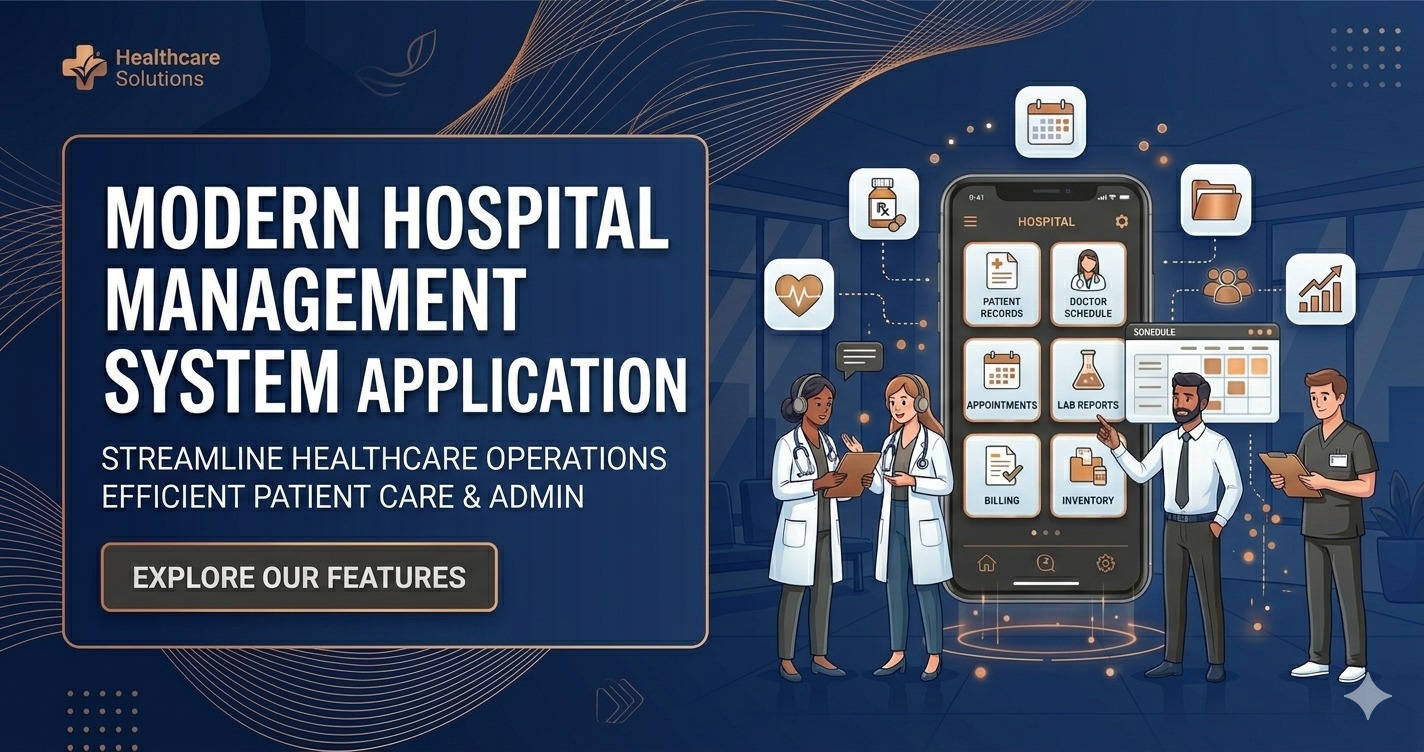
Hospital Management System App: A Smart Solution for Modern Healthcare
The healthcare industry is evolving rapidly, and hospitals, clinics, diagnostic centers, and healthcare organizations need efficient digital solutions to manage their daily operations. A Hospital Management System App is one of the most effective tools for streamlining administrative tasks, improving patient care, and enhancing overall operational efficiency.
The Blue IT offers a powerful and feature-rich Hospital Management System App designed to meet the needs of modern healthcare institutions. Whether you operate a small clinic or a large hospital, this application provides an all-in-one solution for managing patients, doctors, appointments, billing, pharmacy operations, and much more.
Demo
Login Url: https://hospi.alfuzulfoundation.org/login
id: admin@hospital.com
Password: 12345678
What is a Hospital Management System App?
A Hospital Management System App is a comprehensive software solution that automates and digitizes hospital operations. It helps healthcare providers manage patient information, appointments, medical records, billing, inventory, and communication through a centralized platform.
Instead of relying on paperwork and manual processes, hospitals can use this application to reduce errors, save time, and improve service quality. The app enables healthcare professionals to access important information instantly, leading to faster and more accurate decision-making.
Why Healthcare Organizations Need a Hospital Management System App
Managing a healthcare facility involves numerous complex tasks. From patient registration to discharge management, every process requires accuracy and coordination. Traditional management methods often result in delays, paperwork issues, and communication gaps.
A Hospital Management System App addresses these challenges by providing:
- Automated patient management
- Secure medical record storage
- Appointment scheduling
- Billing and payment processing
- Pharmacy management
- Laboratory management
- Doctor and staff management
- Real-time reporting and analytics
These features help healthcare institutions operate more efficiently while delivering better patient experiences.
Key Features of The Blue IT Hospital Management System App
1. System Overview
The Hospital Management System (HMS) is a modern, enterprise-grade software platform designed to manage and automate comprehensive hospital and healthcare clinic operations. The system is engineered to simplify complex administrative workflows, improve clinical accuracy, and enhance patient experience.
Architecture & Technology Stack
The application utilizes a decoupled client-server architecture. The backend is built using Laravel (PHP), serving as a secure, stateless RESTful API. The frontend is built using Vue.js 3, presenting a reactive, single-page application (SPA) user interface. Communication between layers is executed over HTTPS with JSON payloads.
Multi-Tenancy Framework
To support multi-facility organizations, the platform is designed with a multi-tenant database structure. Multiple hospitals or clinics run on a single instance of the database, with strict tenant boundaries. A tenant identifier (hospital_id) is enforced across all operational tables, and every database query is automatically scoped to the authenticated user’s hospital entity. This guarantees complete data isolation and privacy between different hospital organizations.
2. System Features Specification
The Hospital Management System is broken down into modular components that address specific departments and workflows within a hospital. The core system features and capabilities of each module are specified below.
Module 1: User Security & Access Control
Protects system endpoints and controls access rights for various clinical and administrative roles.
- Stateless Authentication – Employs Laravel Sanctum to handle API access tokens. Tokens are validated on each HTTP request and stored securely on the frontend.
- Role-Based Access Control (RBAC) – Configures custom permissions and groups them into roles (e.g. Super Admin, Hospital Admin, Doctor).
- Menu & UI Protection – Controls access to specific dashboard menus and visual elements based on the permissions array in the user’s session data.
- Frontend Route Guards – Protects individual views using a global router interceptor guard checking meta attributes.
Module 2: Hospital Profile Management
Allows central administration of distinct hospital branches and details.
- Hospital Registration – Super Admins can add, suspend, or update hospital entities.
- Profile Customization – Captures name, official email, phone, physical address, logo, and active/inactive status.
- Tenancy Configuration – Used to configure custom print layouts, reports, and email notifications specific to each hospital.
Module 3: Patient Registry & Profiles
Creates a central database of patient medical records and biographical details.
- Automated Patient Coding – Auto-generates structured patient codes (e.g., PT-YYYY-NNNN) for clean identification.
- Demographic Profile – Records names, contact details, date of birth, blood group, gender, and marital status.
- Document Upload Repository – Supports uploading medical documents, ID copies, and scan images to the patient’s digital folder.
- Medical History Log – Tracks persistent medical conditions, family histories, and allergies in a structured list.
Module 4: Outpatient Department (OPD) Management
Tracks outpatients presenting for clinical consultations, capturing vitals and documentation.
- Vitals Registration – Form for documenting weight, height, body temperature, and blood pressure (BP).
- Clinical Documentation – Form for doctors to input patient symptoms, diagnosis, and medical advice.
- Follow-Up Coordination – Logs scheduling for future reviews and follow-ups.
Module 5: Inpatient Department (IPD) & Bed Management
Regulates ward capacities, bed occupancy, patient admissions, and discharge course summary documentation.
- Ward Allocation – Create wards with specific categories (General, ICU, Semi-Private, Private) and maximum capacities.
- Bed Status Tracker – Register bed IDs nested in wards, track status (Available, Occupied, Maintenance), and specify daily occupancy charges.
- Admission Management – Assigns an admitted patient to a doctor, ward, and bed, updating bed status in real-time.
- Discharge Course & Release – Documents discharge summaries, treatment course records, and discharge advice (Status: Discharged, Referred, LAMA). Automatically sets the assigned bed back to ‘Available’.
Module 6: Doctor Directory & Management
Maintains details and professional parameters for the medical staff directory.
- Doctor Registration – Registers new doctors, assigns profile photos, and assigns them to departments and specializations.
- Clinical Profiles – Sets professional parameters such as credentials, qualifications, experience, and consultation fees.
- Record Preservation – Enables soft deletion of doctor records, ensuring audit trails and historical reports remain intact.
Module 7: Doctor Schedules & Availability Slots
Coordinates doctor shifts and appointment intervals.
- Shift Configurations – Doctors can set their working days and start/end shift hours.
- Slot Interval Generation – Automatically parses shift durations into booking slots (e.g. 15-minute intervals) for appointments.
- Double-Booking Guard – Disables slots matching existing approved appointments or public holidays, preventing double bookings.
Module 8: Appointment Booking & Conflict Management
Coordinates scheduling and appointments for patient-doctor visits.
- Patient Phone Checking – Interface to search existing patient records by phone number to speed up booking.
- Conflict Prevention – Real-time lookup of available slots for a selected date and doctor before booking is confirmed.
- Bulk Status Updates – Receptionists and administrators can select multiple appointments to update status (Pending, Approved, Completed, Cancelled) in a single action.
Module 9: Prescription & Consultation Logs
Creates structured clinical prescriptions during OPD or appointment consultations.
- Consultation Header – Logs age, weight, chief complaints, and examination findings.
- Medication Lists – Searchable lists to add specific medications, dosages, frequency, and duration.
- Diagnostic Requests – Links required clinical tests (e.g., CBC, MRI) directly to the prescription record.
- Print Template Generation – Formats a clean layout with hospital headers and doctor credentials ready for physical printing.
Module 10: Pharmacy Catalog & Medical Tests
Maintains lists of medicines and medical tests available in the hospital ecosystem.
- Medicine Catalog – Global list of approved medicines and drugs for prescriptions.
- Medical Test Catalog – List of diagnostic tests available in the lab for easy ordering.
Module 11: Reports & Administrative Dashboards
Provides real-time stats and metrics for administrators and medical staff.
- Dashboard Analytics – Summary widgets displaying today’s appointments, active patients, admitted counts, and revenue indicators.
- Operational Reports – Generates printable lists and reports for doctors, appointments, patients, and billing records.
Benefits of Using a Hospital Management System App
Improved Patient Experience
Patients receive faster service, reduced waiting times, and better communication throughout their healthcare journey.
Increased Efficiency
Automation eliminates repetitive manual tasks, allowing healthcare staff to focus more on patient care.
Enhanced Data Security
Sensitive patient information is protected through secure databases, access controls, and modern security measures.
Reduced Administrative Costs
Digital management reduces paperwork, printing costs, and operational inefficiencies.
Better Decision-Making
Real-time reports and analytics provide valuable insights that help administrators improve hospital performance.
Centralized Information Access
All departments can access updated information through a unified platform, improving collaboration and communication.
Suitable for Various Healthcare Facilities
The Hospital Management System App developed by The Blue IT is suitable for:
- Hospitals
- Clinics
- Medical Centers
- Diagnostic Centers
- Dental Clinics
- Eye Hospitals
- Specialty Healthcare Facilities
- Community Health Centers
- Multi-Specialty Hospitals
The flexible architecture allows customization according to the specific requirements of different healthcare organizations.
User-Friendly and Scalable Design
One of the major advantages of The Blue IT Hospital Management System App is its user-friendly interface. Medical professionals, administrators, and staff members can learn and use the system quickly without extensive training.
The application is also highly scalable, allowing healthcare organizations to add new modules and features as their operations grow.
Mobile Accessibility
Modern healthcare management requires mobility. The Hospital Management System App can be accessed through smartphones, tablets, and computers, enabling doctors and administrators to manage operations from virtually anywhere.
Mobile accessibility improves responsiveness and ensures that critical information is available whenever needed.
Customization Options
Every healthcare institution has unique workflows and requirements. The Blue IT provides customization services to ensure the Hospital Management System App aligns perfectly with organizational needs.
Additional modules, integrations, reporting features, and workflow adjustments can be implemented based on specific business objectives.
Why Choose The Blue IT?
The Blue IT is committed to delivering innovative software solutions that help organizations improve productivity and efficiency. The company focuses on developing reliable, secure, and scalable applications that meet modern business requirements.
When you purchase a Hospital Management System App from The Blue IT, you receive:
- Professional development standards
- Secure system architecture
- Responsive design
- Technical support
- Customization options
- Future scalability
- Regular maintenance assistance
The goal is to provide healthcare organizations with a dependable platform that supports long-term growth and operational excellence.
Conclusion
The healthcare sector demands efficiency, accuracy, and seamless communication. A modern Hospital Management System App can significantly improve hospital operations while enhancing patient satisfaction and healthcare delivery.
The Blue IT offers a comprehensive Hospital Management System App that combines advanced technology with practical functionality. From patient management and billing to pharmacy and laboratory operations, the system provides everything needed to manage healthcare facilities effectively.
If you are looking for a reliable, scalable, and feature-rich Hospital Management System App for sale, The Blue IT provides the ideal solution to help your healthcare organization achieve digital transformation and operational success.